
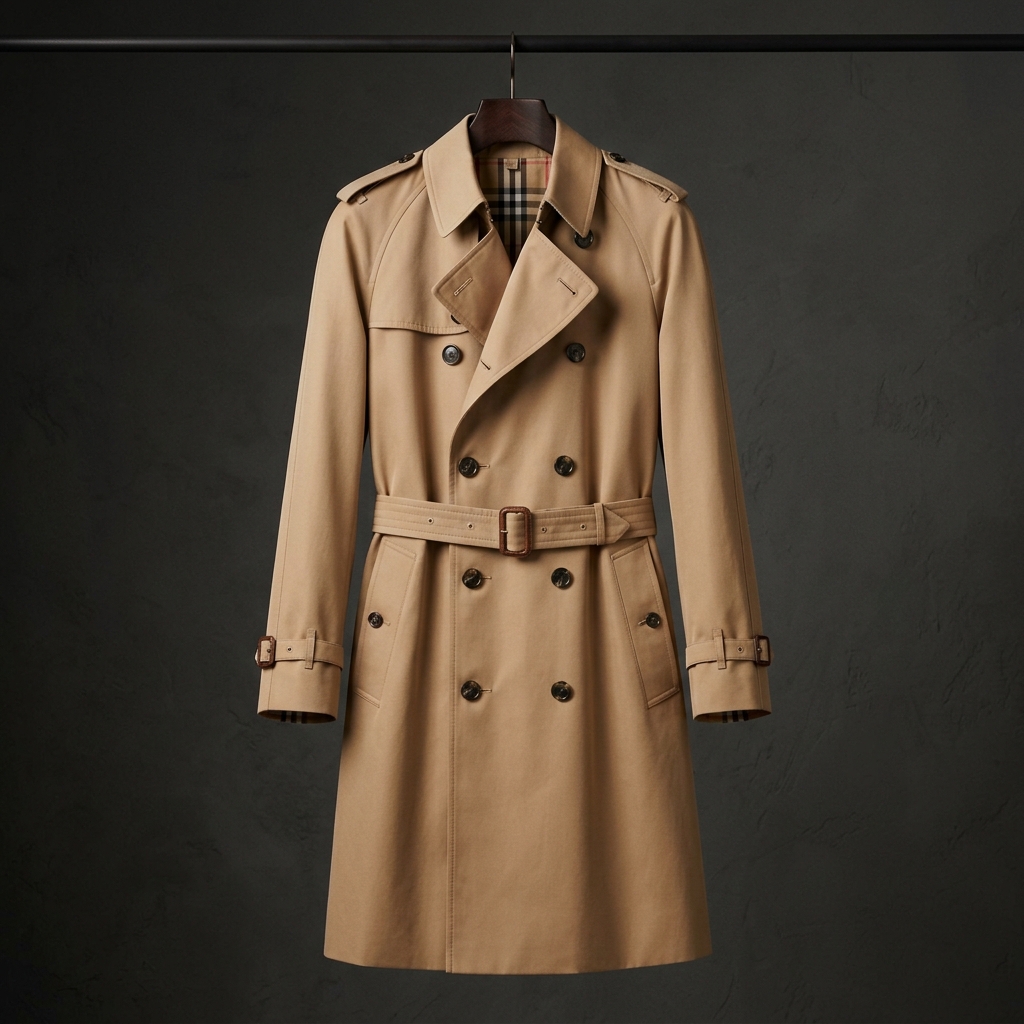


Add your whole catalog, hundreds of pieces at a time, and let shoppers see every one on themselves before they head to your store to buy.

Group pieces into collections, schedule launch drops with waitlists, write copy with AI and watch which garments get tried on most.

Your catalog, tried on

Inside the app

Inside the brand panel

Manage your catalog, launch drops, AI tools and try-on widget from one place. Tap a tab to see each screen.

Dashboard. Store views, try-ons and buy clicks at a glance.

Shoppers hesitate when they can't picture it. Threadflank puts every piece in your catalog on the shopper's own body, then sends them straight to your store to buy. You keep the sale, the customer and the price.

500garments in a single
bulk action

Everything in one panel

Built for brands with big catalogs

Paste a product link…

Try-on on your product pages

Shoppers see your garment on themselves from your store or from Threadflank, then tap Buy to land on your site.

Front
Side
Walk

Every angle

Front, side and mid-stride views help shoppers judge the fit and cut down on returns.

StudioDaylightSunset terraceGardenCity streetFestive lights

Any scene

Studio, daylight or festive lights: shoppers preview your piece where they will wear it.

What you get

Every part of the brand panel, in plain words

Catalog at scale

  • Pieces load a page at a time, so 500 garments feel as quick as 20
  • Search by name, SKU or collection, and filter by category, stock or visibility
  • Sort by newest, most tried on, price or lowest stock
  • Select many pieces to go live, hide, delete or move them in one step

Collections & store page

  • Group pieces into collections such as Wedding Edit or Festive Capsule
  • Feature up to 8 hero pieces on your store page
  • Keep drafts hidden from shoppers until they are ready
  • Every buy button opens your own website

Try-on

  • Shoppers drape any garment with a clear photo on themselves
  • See which pieces are try-on ready and which still need an image
  • Add the widget to your product pages with one line of code
  • Control which domains may load it

Launch drops

  • Schedule a drop with a date and a banner
  • Shoppers join the waitlist before launch
  • Edit or cancel a drop any time before it goes live
  • See waitlist counts at a glance

AI Studio

  • Write product descriptions, captions, announcements and emails
  • Pick a garment from your catalog and edit the options before you use them
  • Motion previews for your pieces
  • Credits are shown in the panel; failed runs are not charged

Insights & visibility

  • Dashboard with store views, try-ons, saves, shares and buy clicks
  • Top garments ranked across your whole catalog
  • Bid for a Runway slot to be featured on Discover
  • Invite your team and keep your account secure

How it works

From signup to first salein three simple steps

Store ready

Logo · Story · Website100%

Brand profileLogo, storySet
WebsiteBuy linksSet
VerificationEmailDone

Step 1 · Your brand

Set up your brand

Create your account, verify your email and add your logo, story and website. Once the team approves your brand, your store page goes live on Threadflank.

Plan a launch

Put the Wedding Edit live on Friday evening, open the waitlist now and feature three hero pieces.

Wedding Edit

Festive Capsule

Resort Break

Step 2 · Catalog

Add your garments

Add pieces with a photo, price, category and buy link, and group them into collections. Pieces with a clear photo are ready for try-on straight away.

CollectionWedding Edit
CategoryEthnic Wear
StatusLive

Top pieces this week

Open the waitlistSchedule the drop

Step 3 · Sell

Shoppers try on, then buy from you

Shoppers drape your pieces on themselves and tap Buy to reach your own website. You see the numbers on your dashboard.

Try-on widget

Try-on on every product page

Add Threadflank's try-on widget to your own store with one line of code, and let shoppers see your pieces on themselves before they check out.

One-line install

Drop our script on Shopify or any custom storefront. Allow your domains and rotate the key from Settings whenever you need.

Per-piece numbers

See store views, try-ons and buy clicks for the brand and for each garment, and find what shoppers reach for.

Your team, your store

Invite managers to the panel. Every buy link goes to your own website, so orders and payments stay with you.

Your catalog also lives on Threadflank — a virtual store page and Discover shelves put your collections in front of shoppers who can try them on in one tap.

Made for real catalogs

Scale, sorted

Fast at any size

The catalog loads a page at a time and searches on the server, so a brand with 500 garments stays quick.

4 of 5 love it

Shoppers decide faster

Seeing a piece on themselves, then sharing it for a quick thumbs-up, helps shoppers commit to buying.

Shown in every scene

Studio, daylight, terrace, garden, city street or festive lights: shoppers see your piece where they will wear it.

₹630per wear

18%

Know your best sellers

Try-ons and buy clicks per garment show what works, so you can restock and promote with confidence.

Linen co-ords for a beach wedding
EthnicStreetwearMinimal

Get discovered

Your live pieces show up on Discover shelves and your store page, each one a tap away from a try-on.

Pricing

Plans for brands

Put try-on on your product pages and your catalog in front of shoppers. Pick a plan, or talk to us about white-label.

  • D2C Starter Widget

    Try-on on your product pages.

    ₹3,999/mo, billed yearly

    • Embeddable try-on widget
    • Shopify & custom stores
    • 1,000 sessions a month
    • Brand posts & stories in the feed
    • Standard brand dashboard
    Start trial
  • Enterprise White-Label

    Your brand, our drape engine.

    Custom

    • Unlimited sessions
    • Custom SLA
    • Model fine-tuning on your catalogue
    • Stock-aware try-on
    • Advanced analytics
    Talk to sales

Your next collection,tried on first

Create your brand account, add your garments and go live on Threadflank. Start in minutes, no card needed.